
Creating an effective home workspace can make a significant difference in your productivity and comfort throughout the workday. Whether you’re new to remote work or looking to improve your current setup, a well-thought-out space can help you stay focused, reduce stress, and maintain a healthy work-life balance. In this post, we will explore practical tips to design a home workspace tailored to your needs, promoting both efficiency and comfort.
Why an Effective Home Workspace Matters
With many individuals working from home, having a dedicated area for work is essential. A proper home workspace helps separate professional tasks from personal life, reduces distractions, and fosters better concentration. It also contributes to physical health by encouraging good posture and reducing fatigue.
Choosing the Right Location
Selecting the best spot for your home workspace is the first step to creating an effective environment.
– Quiet and Private: Pick a quiet area where interruptions are minimal. A room with a door can provide privacy and limit noise.
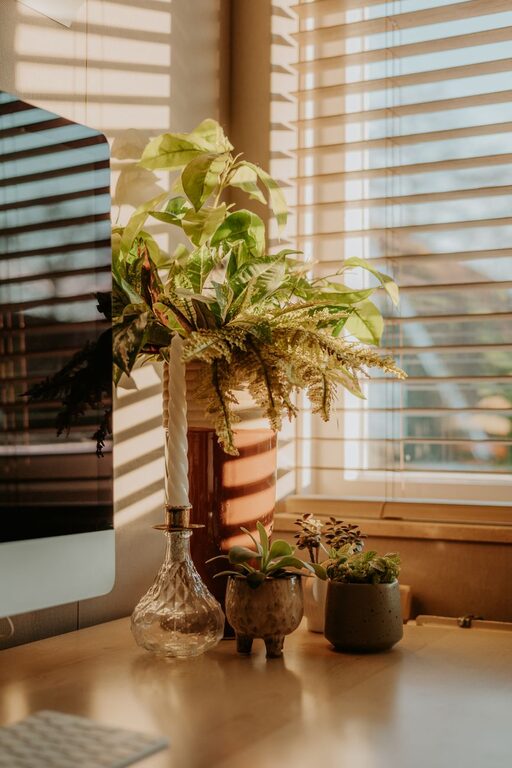
– Natural Light: Work near a window if possible. Natural light boosts mood and energy levels.
– Avoid High-Traffic Areas: Staying away from busy family zones helps to minimize distractions.
Ergonomic Furniture for Comfort and Health
Comfort plays a huge role in maintaining productivity, especially during long hours at your desk.
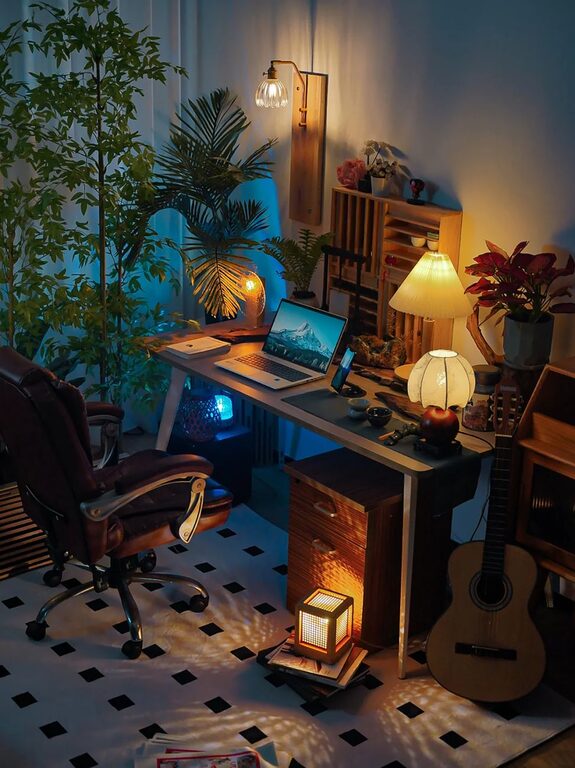
– Desk: Choose a desk with enough surface area to hold your computer, notes, and other materials. Adjustable desks that allow standing and sitting are ideal.
– Chair: Invest in an ergonomic chair that supports your lower back. Your feet should rest flat on the floor, and your knees should be at a 90-degree angle.
– Monitor Position: The top of your computer monitor should be at eye level to avoid neck strain.
Smart Organization and Storage Solutions
An organized workspace minimizes clutter and helps you stay focused.
– Desk Organizers: Use trays, pen holders, and drawer organizers to keep essential items within reach.
– Shelving and Cabinets: Store documents and supplies neatly using shelves or filing cabinets.
– Cable Management: Use clips or sleeves to keep cords tidy and out of the way.
Optimize Lighting for Reduced Eye Strain
Good lighting is crucial for comfort and productivity.
– Combination of Sources: Use a mix of natural light, overhead lighting, and task lamps.
– Adjustable Desk Lamp: Position a lamp to reduce shadows and glare on your screen.
– Light Bulbs: Choose bulbs with a color temperature between 4000K and 6000K for a bright, white light similar to daylight.
Minimize Distractions and Personalize Your Space
A workspace free from distractions helps maintain focus, but personalization adds comfort.
– Limit Noise: Use noise-canceling headphones or white noise machines if needed.
– Set Boundaries: Communicate your work hours to household members.
– Personal Touches: Add plants, artwork, or photos to make the space inviting without cluttering it.
Maintain Proper Air Quality and Temperature
Comfort includes the physical environment around you.
– Ventilation: Ensure fresh air circulation by opening windows when possible.
– Temperature Control: Maintain a comfortable temperature, ideally between 68°F and 72°F (20-22°C).
– Plants: Indoor plants can improve air quality and add a calming vibe.
Establish a Routine and Keep Your Space Clean
A tidy environment supports productivity and mental clarity.
– Daily Tidying: Spend a few minutes at the end of the workday organizing your desk.
– Regular Cleaning: Wipe surfaces to prevent dust buildup and maintain hygiene.
– Routine Breaks: Stand up, stretch, and step away regularly to avoid fatigue.
Use Technology Wisely
Your tools can enhance or hinder productivity.
– Reliable Internet: A strong and stable connection is key for video calls and online tasks.
– Essential Devices: Use a quality keyboard, mouse, and headset.
– Software: Utilize apps and tools to manage tasks, time, and communication effectively.
Final Thoughts
Designing an effective home workspace takes some planning, but the payoff in productivity and comfort is worth the effort. By considering location, ergonomics, lighting, organization, and your personal preferences, you can create a space that supports your best work. Remember, flexibility and regular adjustments will help your workspace continue to meet your needs over time.
—
Implement these tips today to transform your home workspace into a productive and comfortable retreat where you can focus and thrive.