Creating a comfortable and efficient home workspace is essential for anyone working remotely or juggling tasks from home. A well-designed area can help you stay productive, reduce stress, and maintain a healthy work-life balance. Whether you have a dedicated room or a small corner in your home, these tips will guide you in creating a workspace that feels both relaxing and productive.
Choose the Right Location
Prioritize Natural Light
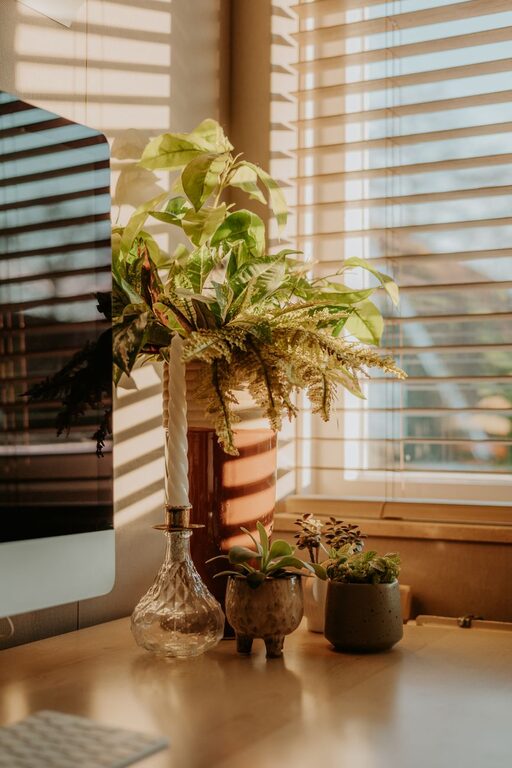
Natural light can significantly improve your mood and energy levels. Try to set up your workspace near a window to take advantage of daylight. If natural light is limited, use soft white bulbs that mimic natural light to create a warm and inviting atmosphere.
Minimize Distractions
Select a quiet area where you can focus without frequent interruptions. If you share your home with others, communicate your work hours so they can help keep noise levels down.
Invest in Ergonomic Furniture
Comfortable Chair
Choose a chair that provides good lumbar support to prevent back pain. An adjustable chair allows you to fine-tune the height and angle, promoting a healthy posture.
Functional Desk
Your desk should be the right height and large enough to hold your essentials without feeling cluttered. Standing desks or adjustable desks can provide flexibility to alternate between sitting and standing.
Keep It Organized
Use Storage Solutions
Decluttering your workspace helps clear your mind. Use shelves, drawers, and organizers to keep supplies and documents neatly stored but within reach.
Cable Management
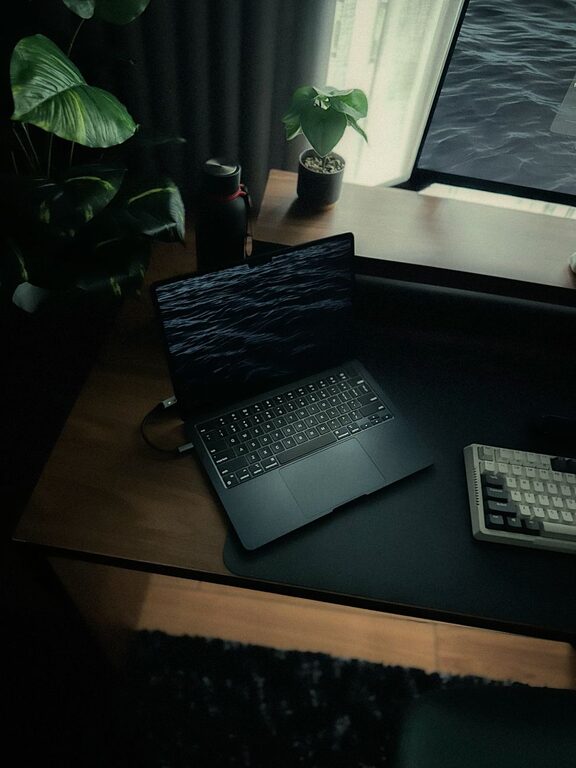
Tidy cables not only improve aesthetics but also help prevent accidents and frustration. Use cable clips, sleeves, or under-desk trays to keep cords organized.
Add Personal Touches
Decorate Thoughtfully
Incorporate items that make you feel comfortable and inspired, like a favorite piece of art, a plant, or motivational quotes. Avoid overloading with decorations to maintain a peaceful space.
Plants for Freshness
Indoor plants can improve air quality and add a calming touch to your workspace. Low-maintenance plants like succulents, snake plants, or pothos are ideal for busy schedules.
Establish a Routine
Set Work Hours
Treat your home workspace like a professional office by establishing consistent work hours. This helps create boundaries between work and personal time.
Take Breaks
Regular breaks are crucial for maintaining focus and reducing fatigue. Use reminders or apps to prompt you to stretch, hydrate, or step outside for fresh air.
Use Technology Wisely
Good Lighting and Screen Setup
Use a monitor at eye level to avoid neck strain and position it to reduce glare. Adjust screen brightness according to ambient light to reduce eye fatigue.
Noise Management
If ambient noise is unavoidable, consider noise-canceling headphones or playing soft, instrumental background music to improve concentration.
Maintain Cleanliness and Fresh Air
Regular Cleaning
Keep your workspace clean by wiping surfaces and tidying up daily. A clean environment contributes to better focus and a positive mindset.
Ventilation
Good airflow refreshes the space and helps keep your mind alert. Open windows when possible or use air purifiers to maintain air quality.
Optimize Lighting for Productivity and Relaxation
Task Lighting
Use adjustable desk lamps to focus light on specific areas like your keyboard or documents. This reduces eye strain and improves visibility.
Ambient Lighting
Soft, indirect lighting can create a relaxing atmosphere that balances the brightness of task lighting. Consider using lampshades or diffusers.
Final Thoughts
Creating a relaxing and productive home workspace is about balancing comfort, functionality, and personal style. By considering lighting, ergonomics, organization, and routine, you can design an environment that supports both your work and well-being. Remember, your workspace should serve you—adjust and personalize it as your needs change.
With these tips, you’re well on your way to making your home office a place where focus meets comfort. Happy working!