
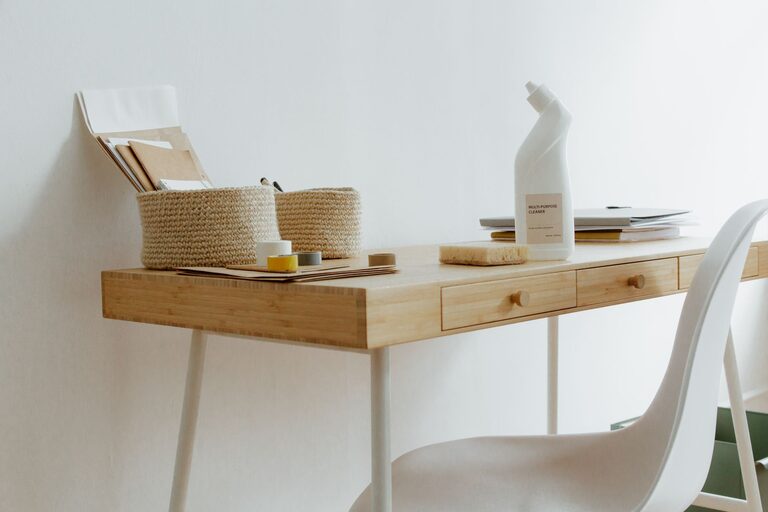
Creating a comfortable and efficient home workspace can significantly improve productivity and reduce stress. Whether you work remotely full-time or occasionally need a quiet spot to focus, organizing your home office is key to maintaining motivation and clarity. Here are practical tips to help you design a clutter-free and productive work area in your home.
Why Organizing Your Workspace Matters
A tidy and well-organized workspace does more than just look neat—it promotes focus and efficiency. When your desk and surroundings are clutter-free, it’s easier to locate what you need quickly, which cuts down on distractions and lost time. Additionally, an organized area can enhance your mood and encourage better work habits.
Choose the Right Space
Before setting up your workspace, select a spot that fits your needs and daily routine.
– Natural Lighting: Choose a space with good natural light, if possible. It helps reduce eye strain and boosts energy.
– Minimal Distractions: Find a quiet corner away from household traffic to improve concentration.
– Adequate Space: Ensure there’s enough room for your desk, chair, and any tools or equipment you need.
Declutter and Prioritize
Start by clearing out unnecessary items from your workspace.
– Sort Through Supplies: Remove unused papers, broken gadgets, or duplicates.
– Keep Essentials Nearby: Only keep items you use daily close at hand.
– Store Others Efficiently: Use drawers or boxes to store less frequently used materials.
Optimize Your Desk Layout
Your desk is the heart of your workspace. Organize it thoughtfully:
– Centralize Your Computer: Make sure your monitor is at eye level to prevent neck strain.
– Use Desk Organizers: Incorporate trays, pen holders, or small containers to keep items tidy.
– Limit Surface Clutter: Avoid piling papers or unnecessary objects on your desk surface.
Invest in Storage Solutions
Storage helps maintain order by giving everything a designated place.
– Shelves and Cabinets: Use vertical space to store books, files, or decor.
– Drawer Dividers: Separate office supplies for easy access.
– Label Containers: Clear labels help quickly identify contents and encourage returning items after use.
Develop Daily Tidying Habits
Maintaining a neat workspace requires daily effort.
– End-of-Day Clean Up: Spend 5–10 minutes organizing your desk and putting things away.
– Weekly Review: Every week, review your supplies and paperwork to discard or file what’s unnecessary.
– Digital Organization: Don’t forget to keep your computer desktop and files organized as well.
Personalize Without Cluttering
Adding personal touches can make your workspace more inviting without overcrowding.
– Simple Decor: A small plant, a photo frame, or inspiring artwork can improve mood.
– Functional Items: Choose decorative pieces that also serve a purpose, like a stylish clock or an attractive notebook.
Ergonomics and Comfort
An organized workspace should also be comfortable and support good posture.
– Comfortable Chair: Invest in an adjustable chair with lumbar support.
– Proper Desk Height: Your desk should allow your arms to rest at a 90-degree angle.
– Accessories: Consider a footrest, wrist pad, or monitor stands as needed.
Manage Cords and Electronics
Messy cables can make a workspace look chaotic.
– Cable Organizers: Use clips or sleeves to bundle cords together.
– Power Strips: Position power strips in accessible but out-of-sight spots.
– Wireless Devices: Whenever possible, switch to wireless keyboards, mice, and headphones.
Set Boundaries and Workflow Zones
Create clear boundaries between work and personal life, especially in shared living spaces.
– Define Your Space: Use a room divider or rug to separate your workspace visually.
– Designate Zones: Establish areas for different tasks—computer work, paperwork, or creative brainstorming.
Final Thoughts
Organizing your home workspace is an ongoing process that involves regular maintenance and mindful choices. By keeping your space clutter-free and tailored to your work style, you set yourself up for greater productivity and comfort. Start small, make gradual improvements, and enjoy the benefits of an efficient home office.